

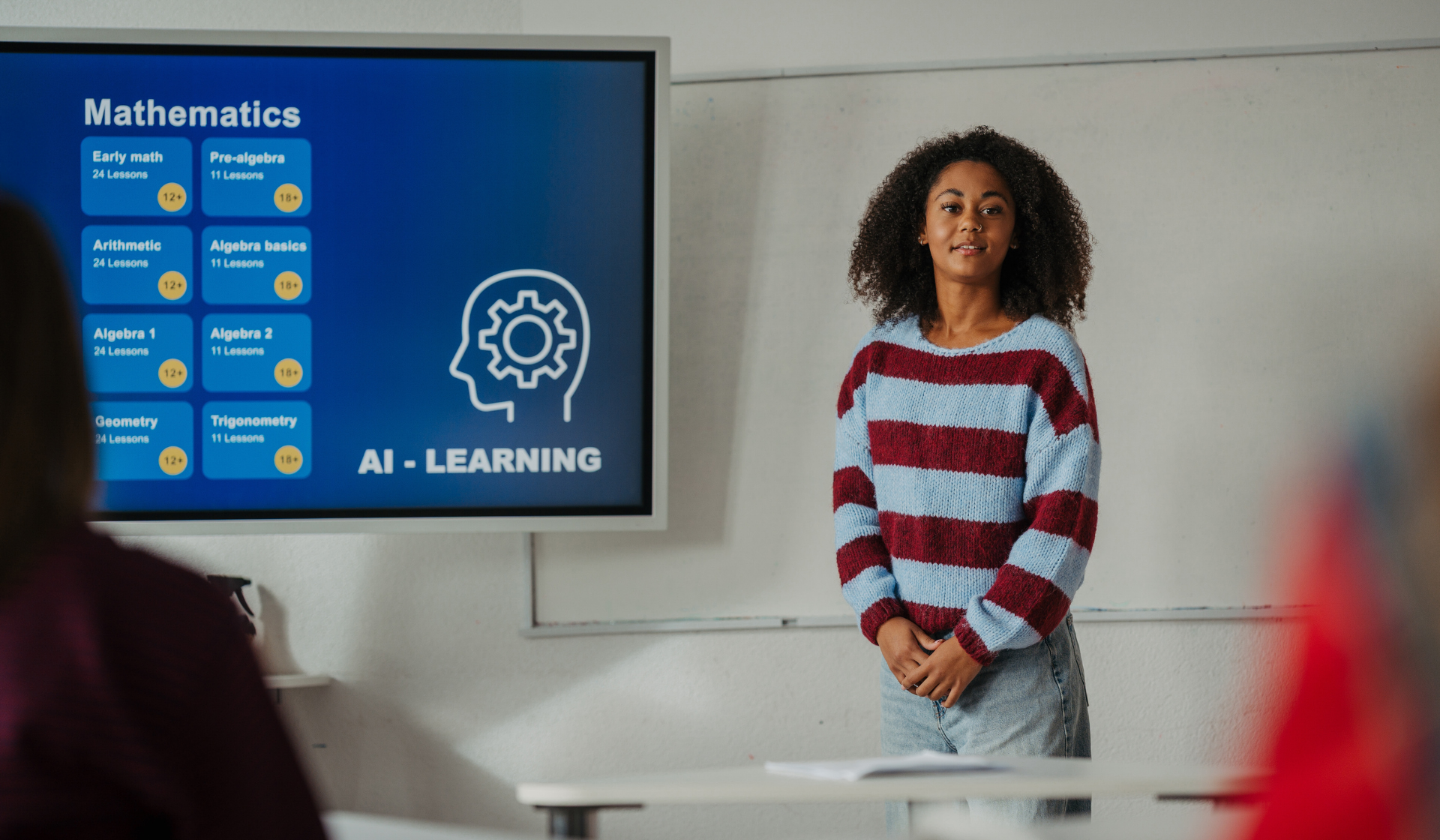
The percentage of teachers using AI to develop instructional strategies has rapidly risen from 25% in May 2025 to 69% as of January 2026. Schools are working to incorporate AI more into classrooms, moving AI from the technology of the future to the now.
Although AI has its problems, instead of ignoring or criticizing them, educators can learn appropriate methods of utilizing the comprehensive resources that AI offers. Teachers have to think about the way they’re teaching students and to use AI as a generative tool. This saves teachers time and effort and inspires them to think in new ways as education changes and adapts to this new AI era.
Following a typical trend, educators in schools that have higher poverty levels are less likely to use AI and are less likely to have guidance about it than their colleagues in schools with a higher economic base.
No matter where you live, here’s how you can help your student and your student’s teachers harness the power and speed of AI. Talk with your local educators—your school principal, your teachers, your case manager if you have one—about the following tips and tricks.
- Ask the principal to develop workshops for teachers or ask your teachers themselves to use AI to:
- Create differentiated materials. AI can rapidly provide answers to teachers’ queries. For example, teachers may prompt the school’s AI tool (ChatGPT, Claude, or Gemini) with a query for reading and comprehension: “What are three different approaches to teaching reading to a student with dyslexia?” Claude.ai responds with three answers: with the Orton-Gillingham (OG) approach, with structured literacy, and with the integration of assistive technology. Teachers can utilize these answers to generate lessons and learning activities for students, all in the space of moments or even seconds.
- Create multiple means of representation. This method requires content to be presented in various ways for students and can be challenging and time-consuming. However, your AI tool can generate multiple resources for a teacher’s lesson, including full lesson plans, pacing guides, curriculum maps, essential questions, learning targets, differentiated versions of lessons, engaging video presentations, scripts for teachers to record their own instructional videos, and can convert text-based lessons into narrated video summaries.
- Brainstorming alternative and authentic assessments. Your AI tool can assist teachers to target the learning needs of individual students by connecting the learned skill or topic to each student’s needs and real-life applications. For example, the teacher could ask AI, “What are real-life applications of percentages?” The AI can almost instantly generate ideas for hands-on, practical examples that help anchor the concept in the student’s everyday life.
- Next, focus on how you and your student can use AI to boost their learning:
- Personalized Reading Support. This feature is great for students with dyslexia or visual impairments. Your AI tool can read text aloud to your student. You can use it to adjust reading levels, to define unfamiliar words in context, and to summarize complex passages—all within seconds so your student doesn’t lose focus.
- Writing Assistance. Students with dysgraphia, ADHD, or language processing challenges can utilize AI to reduce the mechanical burdens so students are free to focus on expressing their ideas. To accomplish this task, AI can offer sentence starters, organize ideas into outlines, check grammar, and convert spoken words into written text.
- Breaking Down Complex Concepts. Students can ask AI to explain a difficult concept multiple times, in different ways, and at their own pace.
- Study Skills & Organization. AI can help students with executive function challenges by creating to-do lists, breaking assignments into manageable steps, setting up study schedules, and summarizing notes into digestible review sheets.
- Building Communication Skills. Students with autism or social communication challenges can use AI to practice conversations, learn social scripts for different situations, and rehearse responses to real-world scenarios in a low-pressure, private environment.
Learn more about Tech Tools for Your Child with Special Needs.
These tips and tricks offer strategies for you to use AI to boost your student’s learning potential, at home and in the classroom. The future of AI is here and now. Learn how to harness its resources for your student.
Need help with your child’s school district or getting appropriate educational services? Contact an experienced attorney today at Sussan Greenwald & Wesler.
609-409-3500
Further Reading: